
Clinical calculators and risk scores
Validated scoring tools, from triage checklists to risk calculators, with the source and the logic one tap away.

 Book a meeting
Services · Web Development · Web Applications
Web applications for the healthcare sector — risk calculators, reference navigators, decision support, study management and data dashboards. Built for the moment a professional needs an answer, and designed so they come back for the next one.
Talk to our experts
Positioning
Content is read once. A tool that answers a real clinical question gets bookmarked, opened on the ward and shared with colleagues — the most durable relationship a brand can have with a physician.
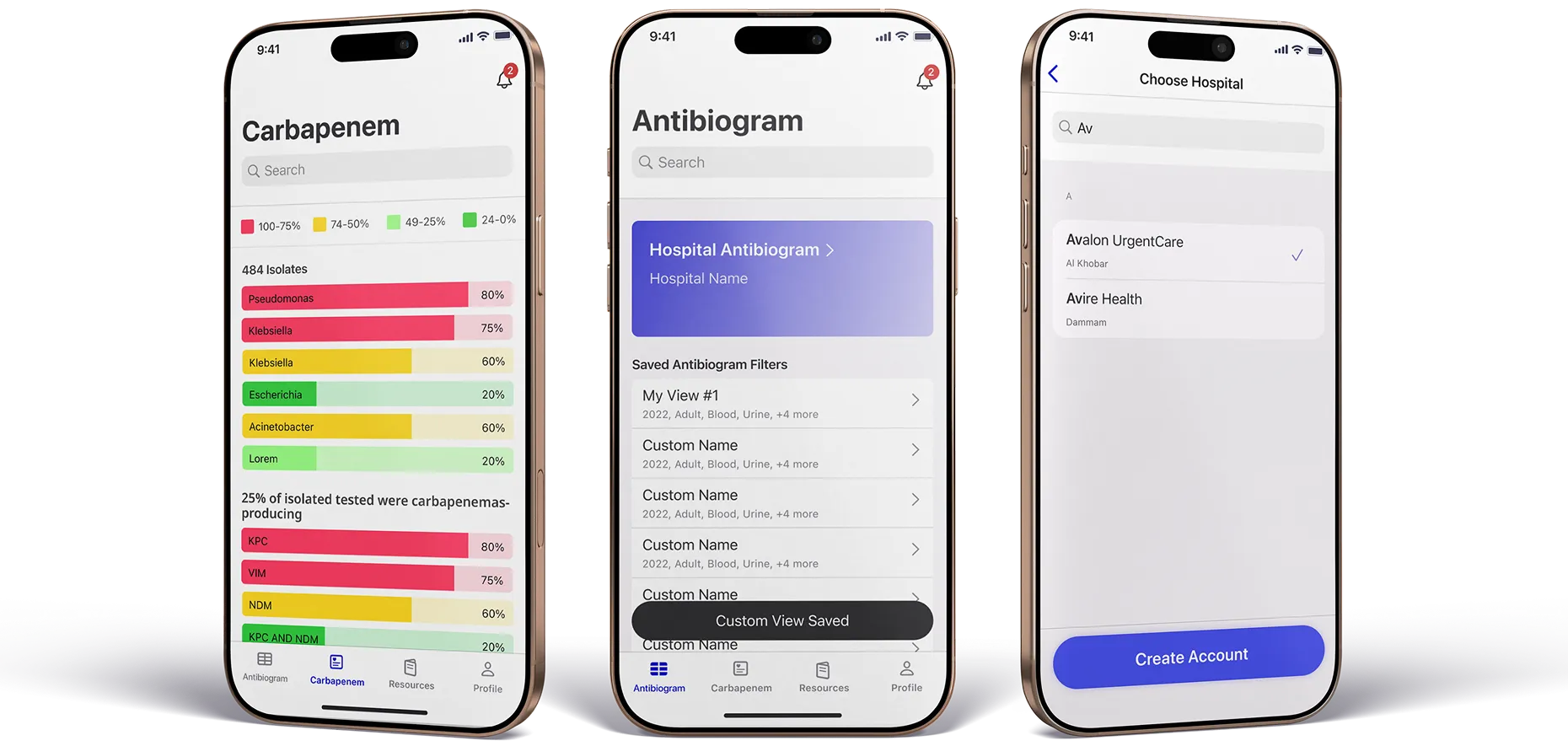
What we build
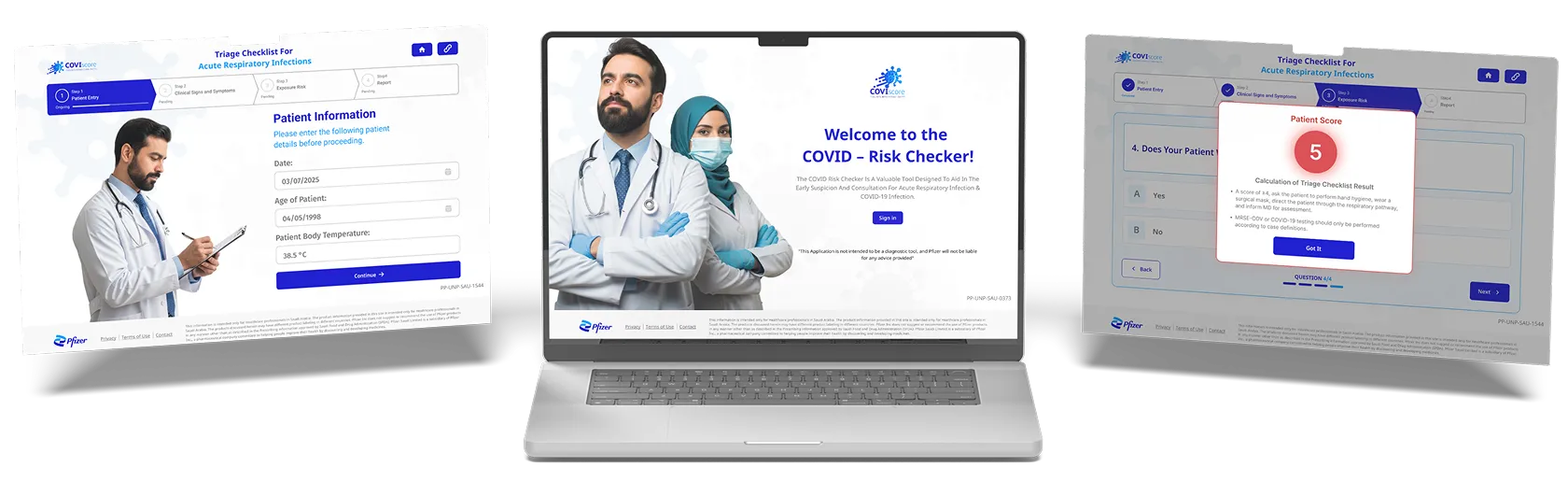
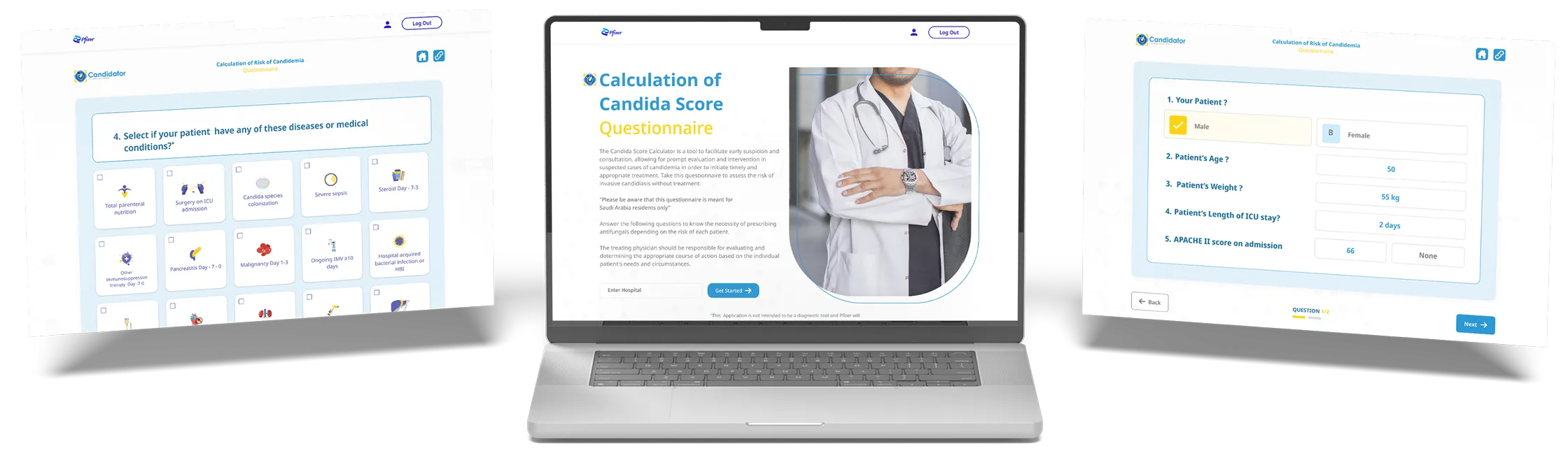
Every application starts from a real task — a dose to check, a risk to score, a guideline to find — and is built to finish that task quickly.
Validated scoring tools, from triage checklists to risk calculators, with the source and the logic one tap away.
Guidelines, antibiograms and references organised so a professional finds the answer in two taps, not twenty.
Predictive views and risk assessments that put the relevant data in front of the decision, when it is being made.
Large healthcare datasets turned into dashboards and reports that track progress and outcomes.
Participant tracking, data collection and collaboration for studies and trials, across the full lifecycle.
How a session runs
The measure of a clinical tool is how quickly it gets out of the way. Every screen is designed against that clock, and every step is logged.
From a bookmark, a QR code or a link — straight to the task, no splash screen.
RecordedEntry point and device.A light sign-in or HCP confirmation, remembered for the next visit.
RecordedReturning versus new user.Only the inputs the calculation needs, with sensible defaults.
RecordedInputs completed and time taken.The result, its meaning and what the guideline says to do next.
RecordedResult band, never the patient.The references and the logic behind the result, for anyone who asks.
RecordedReference opens.The next case starts where the last one left off.
RecordedRepeat use per user, per week.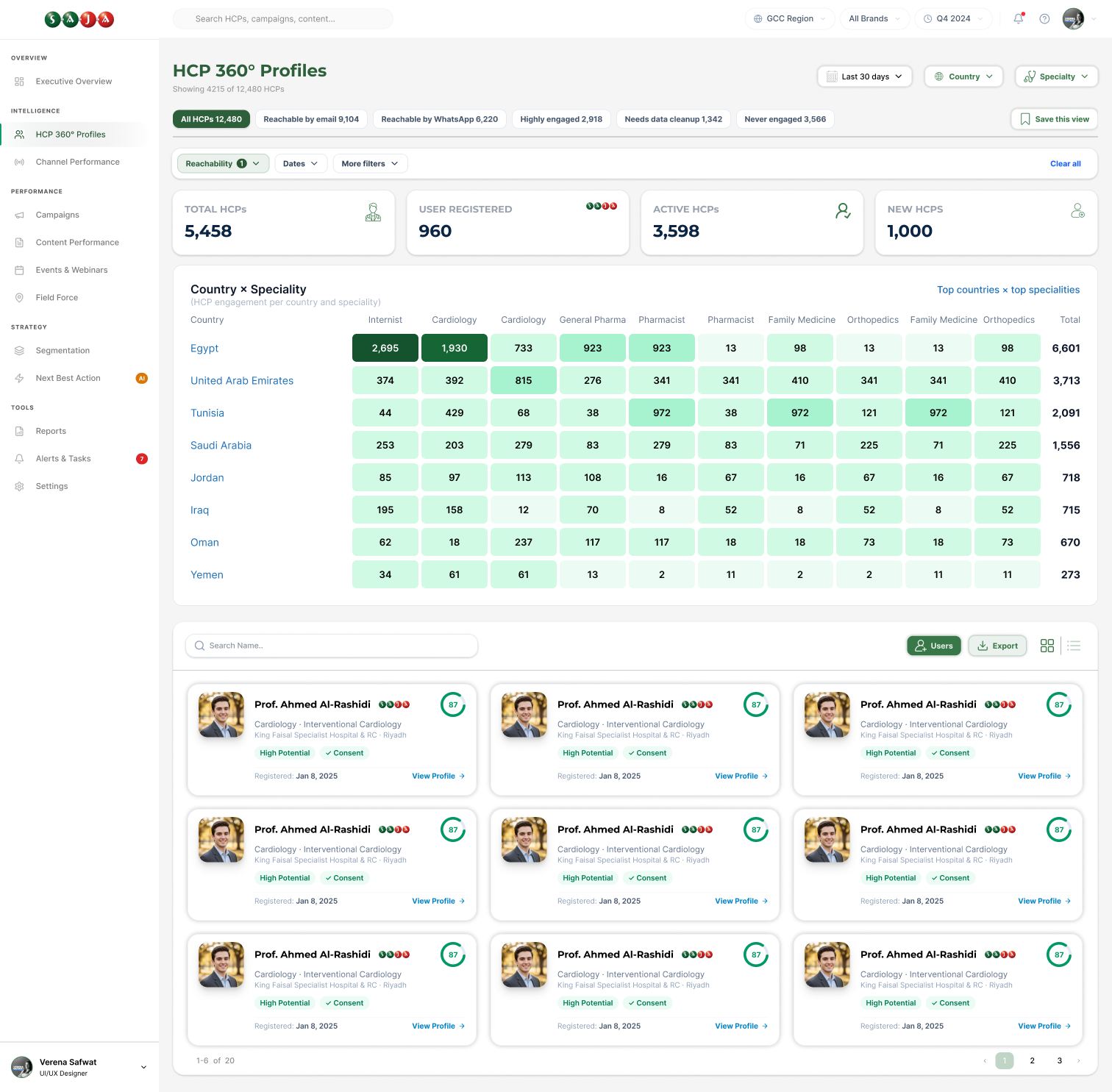
Delivery
A tool used in practice has to be right, secure and available. Those are designed in from the first week, not tested in at the end.
Built to your data-protection requirements and the regulations of each market, with no patient data stored unless the brief requires it.
Designed with the people who will use it — tested with clinicians before build, and again before launch.
Architecture that takes new users, markets and features without a rebuild, from fifty users to fifty thousand.
Reporting
Views say a tool was found. Repeat use says it is useful. We report both, and the difference between them.
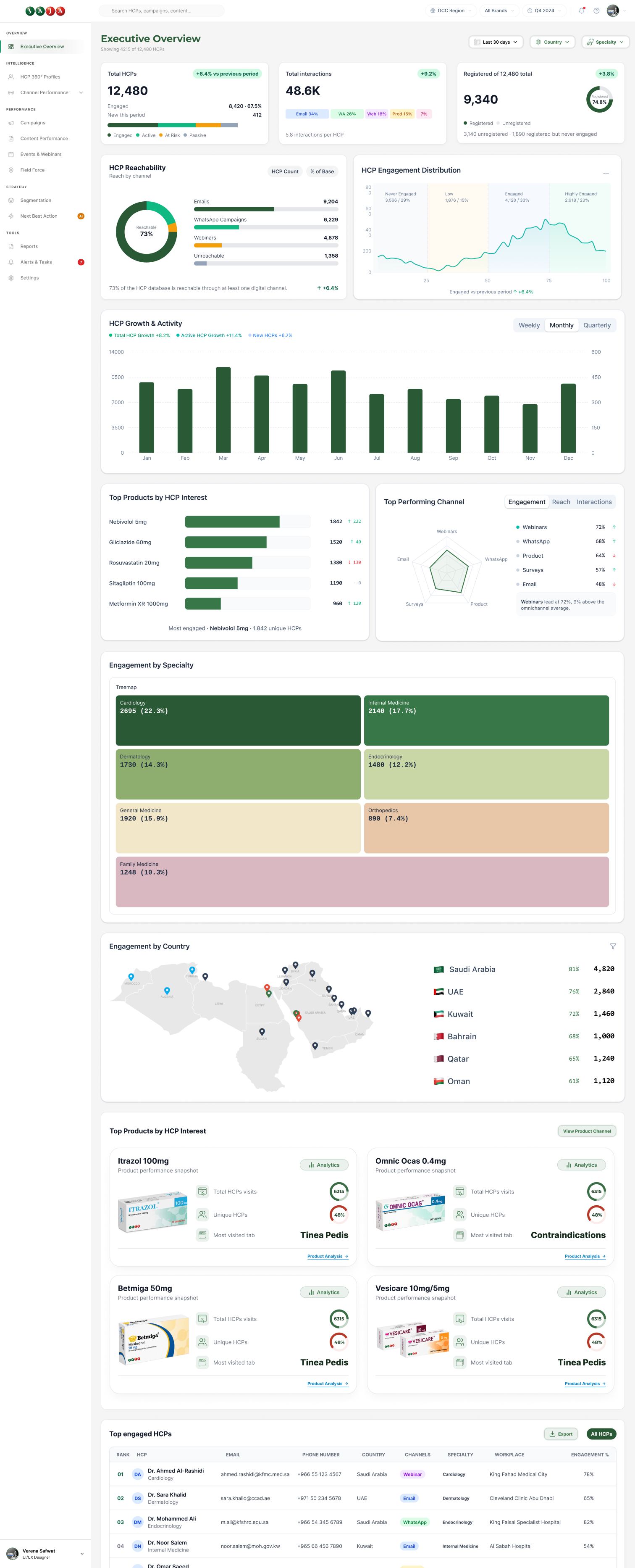
How it connects
On its own a good tool finds its users slowly. Connected to the rest of the programme it becomes the reason to return to everything else.
Launch and update announcements bring users to new features.
The tool sits on the product page, or links back to it for the full story.
QR codes on stands and leave-pieces open the tool directly.
Training modules teach the tool, and the tool links to the training.
Reps demonstrate the tool, and its use is visible in the account view.
With ORCA Connect, repeat use becomes part of the engagement score.

FAQ
Only when the brief requires it. Most clinical calculators compute on the device and keep nothing identifiable. When data must be stored, we design the storage and access controls to your requirements and the market’s regulations.
Yes. The calculation logic and its sources are documented and reviewed with your medical team before build, and tested against their cases before launch.
Most tools work best as a web application: no store approval, instant updates, and they run on any device. We recommend native only when a feature genuinely needs it, such as offline use in the field.
Yes, with right-to-left layouts designed properly and both languages maintained from the same source.
We do, if you want us to: hosting, monitoring, updates and new features, under a support agreement agreed during scoping.
Typically Next.js or Laravel on AWS, chosen per project. The choice is explained in the proposal, and the code is yours.
The whole point
Bring us the clinical question, and we will design the fastest honest way to answer it.